
FretBox Logo
Skip to content
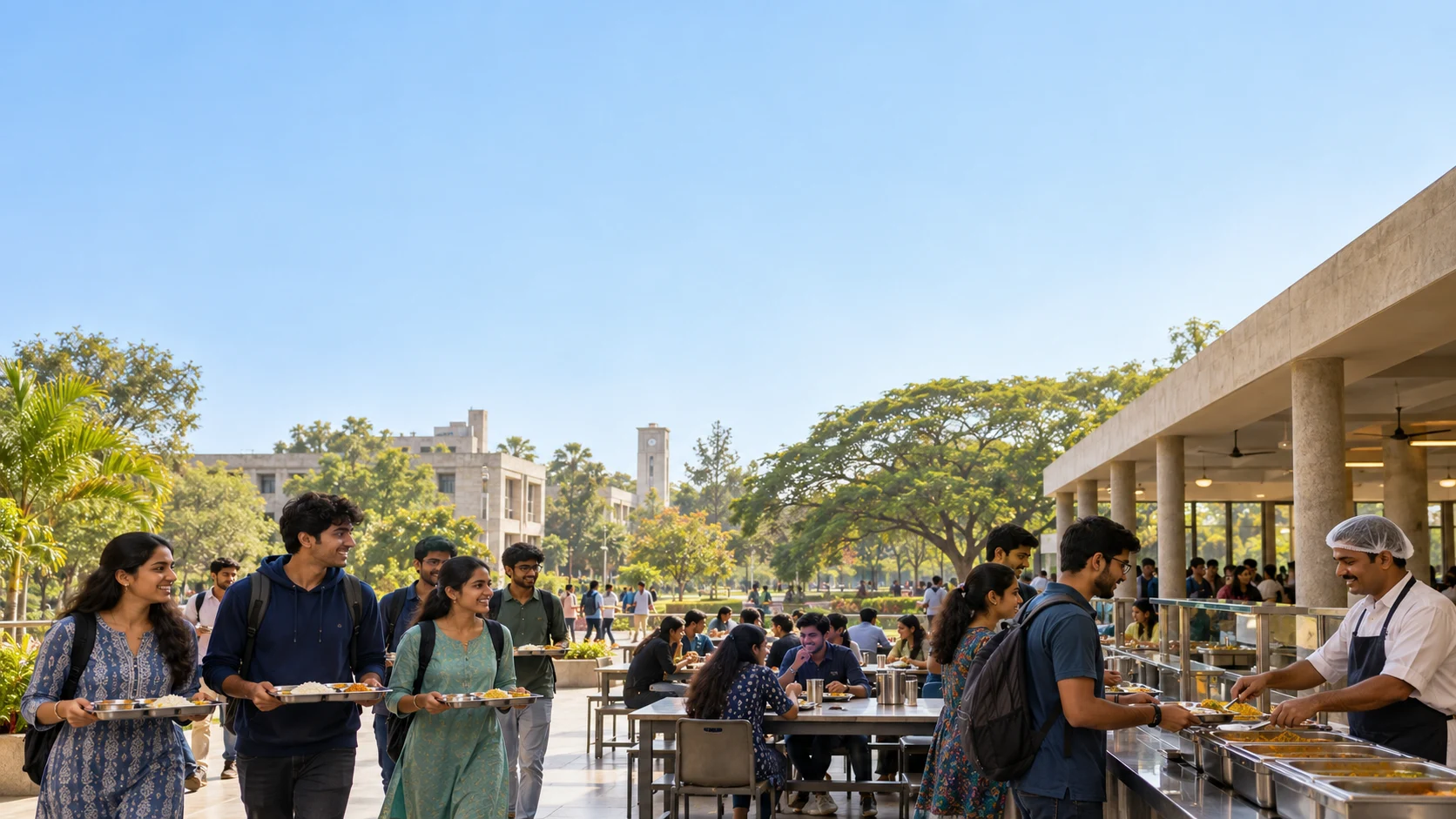
Mess Intelligence in an Indian university campus setting
Platform / Mess Intelligence

Connect daily meals, attendance and campus cafeteria delivery—with planning information for your teams and simpler food choices for students.

Book a campus demo See the connected journey
  • Menus & reminders
  • Meal opt-outs
  • Recorded presence

Before and after every meal. Your team has the numbers.

A student checks her phone in her hostel room in the morning7:00 AM
Breakfast is readyToday’s menu: idli, sambar & tea

Receive the menu

A morning phone notification brings the breakfast menu to the student. Lunch and dinner updates follow your schedule.

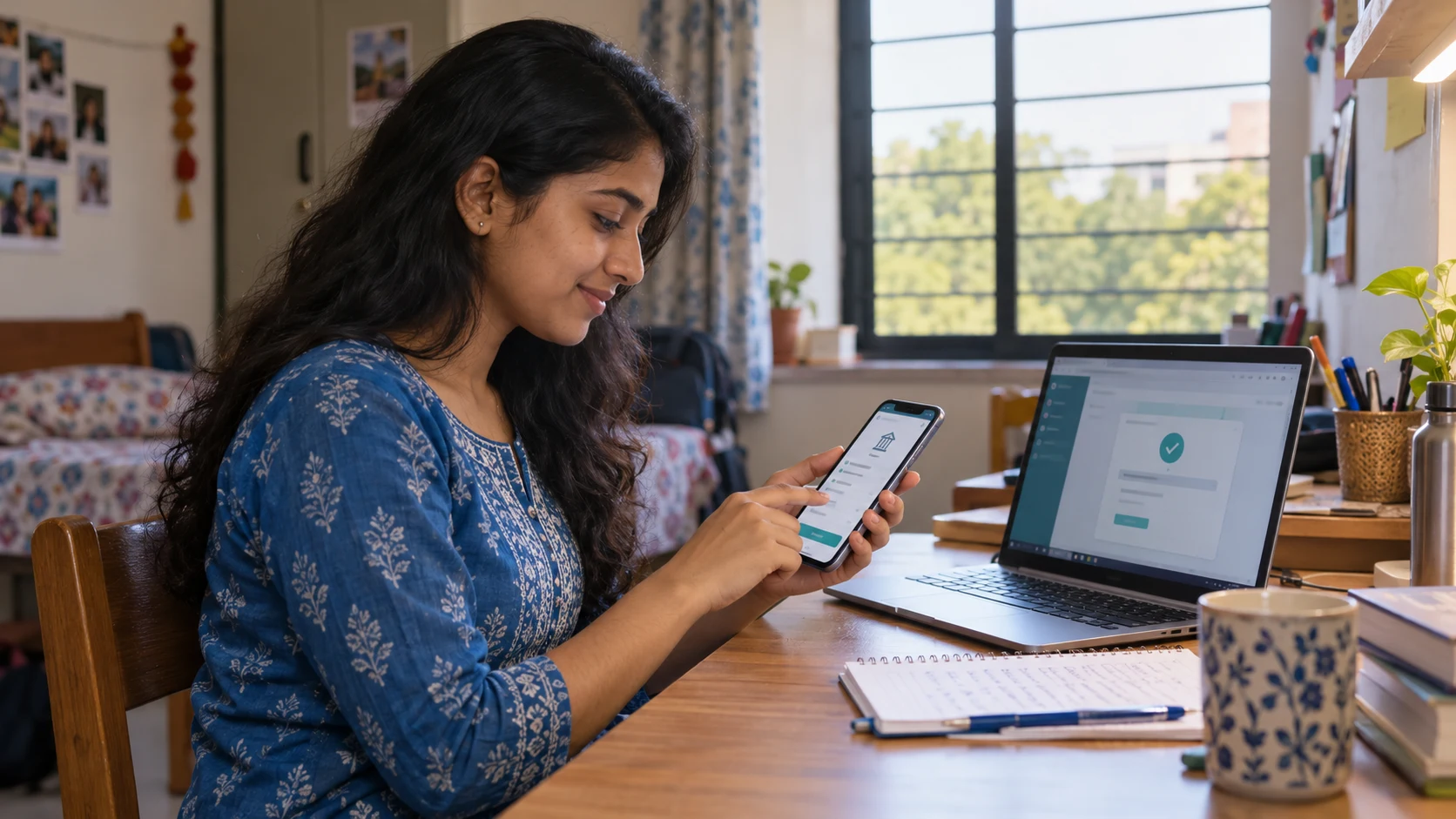
A student uses his phone to opt out of dinner before going to a party

“Dinner party tonight. I’ll skip the mess.”

Dinner opted out

Know who won’t be eating

Students voluntarily opt out when they do not plan to eat. Your team sees the expected participation before preparation.
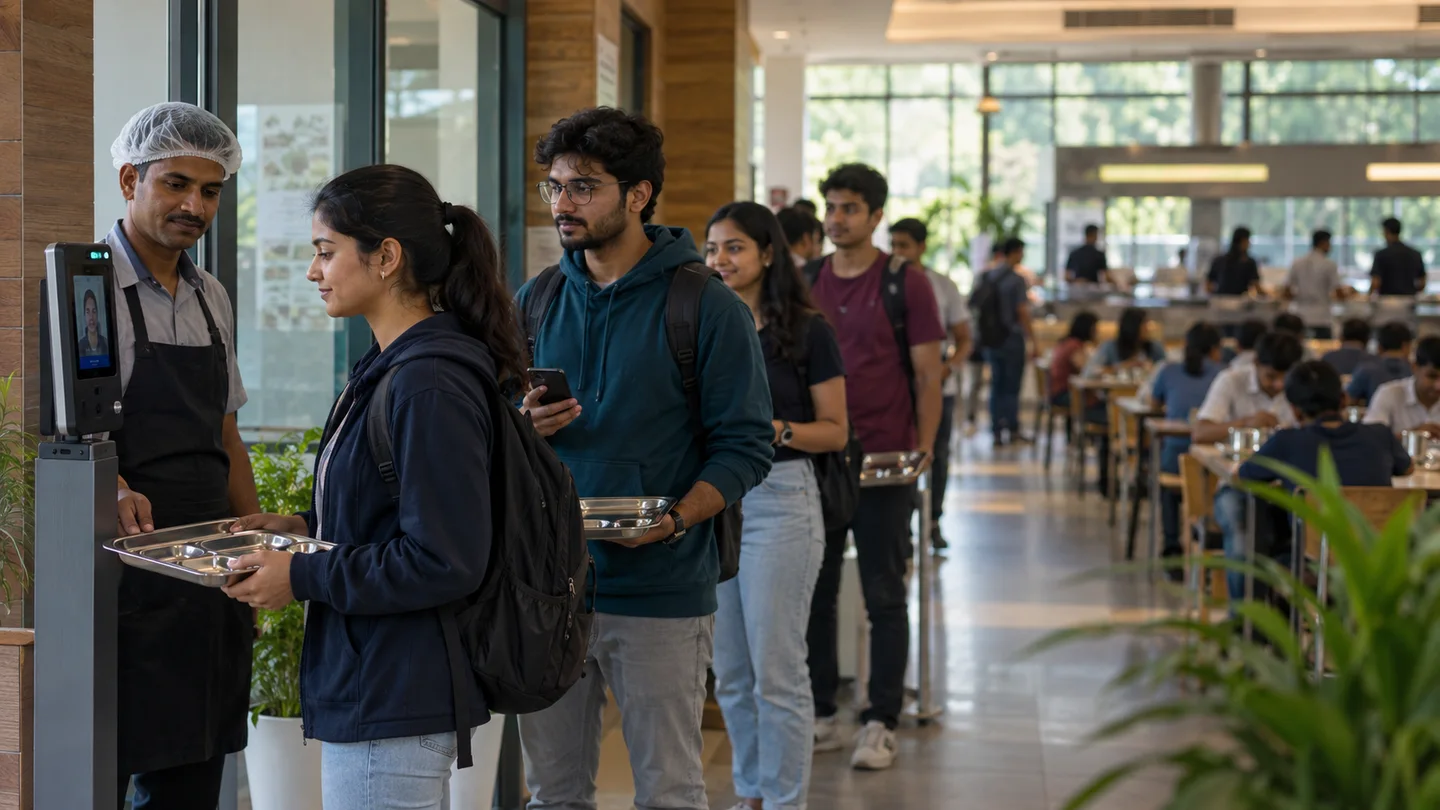
Record meal presence — Connect meal access and attendance through the configured QR or face-device process.

Record meal presence

Connect meal access and attendance through the configured QR or face-device process.

Meal attendance · sample day
Breakfast1,042
Lunch986
Dinner1,075
Illustrative student counts

See who joined each meal

Review separate breakfast, lunch and dinner attendance totals against the number expected.

University-controlled setting

Your meal service. Your campus rules.

01

Meal eligibility

Define the students, schedules and meal access rules for each mess.

02

Opt-out windows

Set participation cutoffs and how your team uses the information.

03

Vendor choice

Where multiple vendors exist, enable students to choose, book and pay for their preferred mess.

Campus cafeteria · hostel delivery
Your university’s own food delivery experience.

Order from the room — Students browse the campus cafeteria menu and place a food order through FretBox.
01Order from the room

Students browse the campus cafeteria menu and place a food order through FretBox.

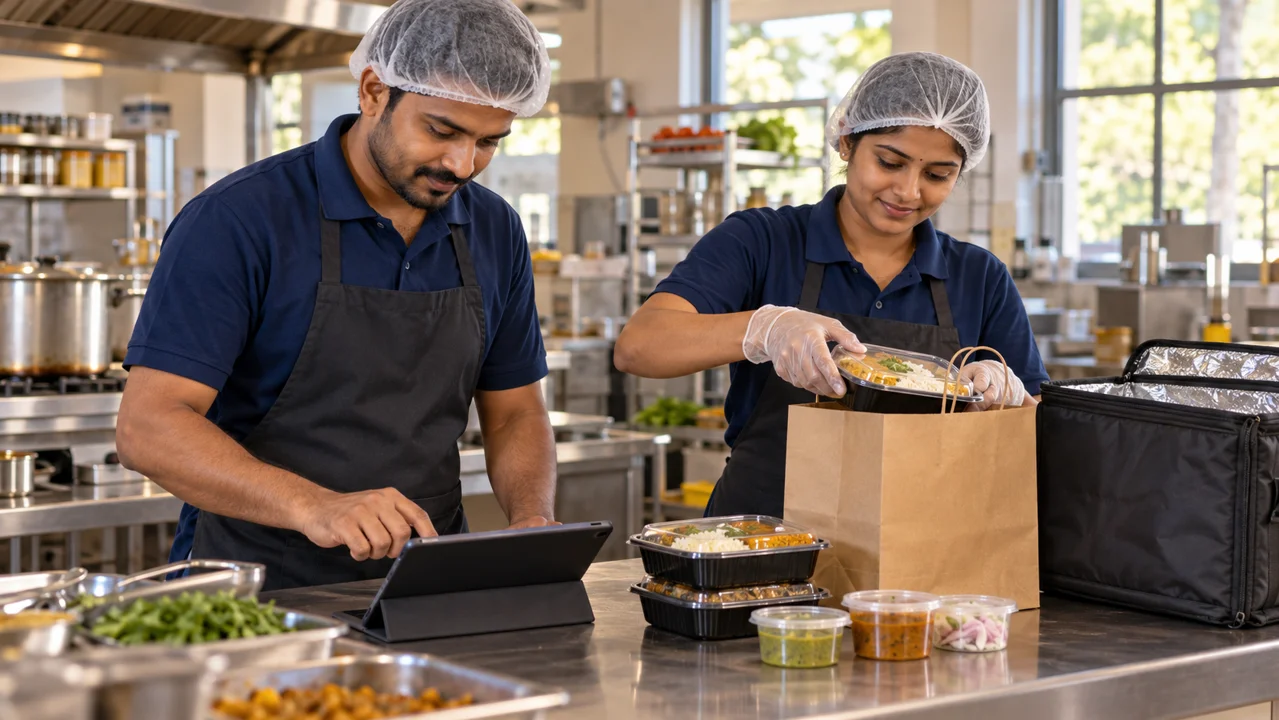
Prepare at the cafeteria — The university’s cafeteria team receives the order and prepares the food.
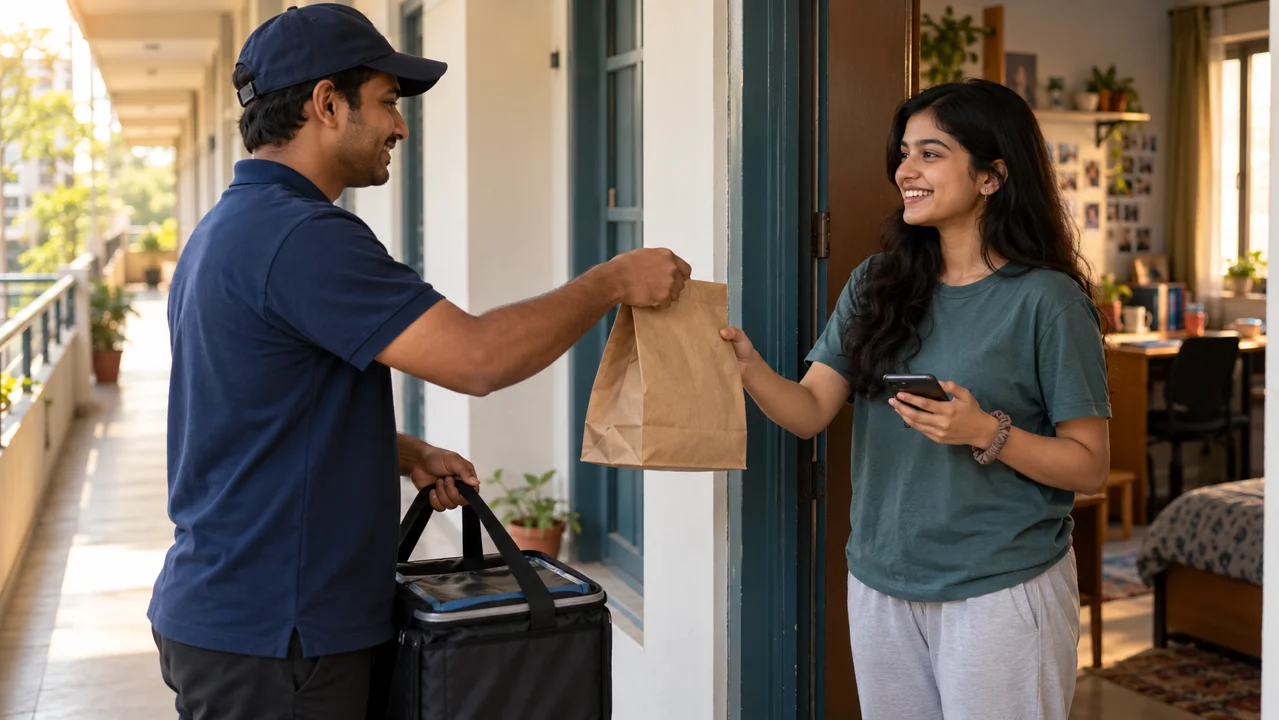
02Prepare at the cafeteria

The university’s cafeteria team receives the order and prepares the food.

Deliver to the hostel room — Campus staff deliver to the hostel room within the university’s configured service rules.

03Deliver to the hostel room

Campus staff deliver to the hostel room within the university’s configured service rules.

Your university defines cafeteria availability, ordering hours and the hostel rooms served.

Connected teams
  • Students
  • Cafeteria teams
  • Campus delivery staff
  • Hostel administration

In the university’s view

Every meal service. A clearer operating picture.

University teams reviewing mess intelligence records

Compare eligible students, voluntary opt-outs, expected diners and actual attendance for each meal. Use the numbers to prepare the service and review participation afterwards.

Explore reporting & governance
Meal planning & presenceSample records
Connected contextAuthorised team view
MealEligibleOpted outExpectedAttended
Breakfast1,2001201,0801,042
Lunch1,2001801,020986
Dinner1,200901,1101,075
The connected record
  1. Menu published01
  2. Opt-outs counted before preparation02
  3. Expected diners = eligible − opted out03
  4. Actual attendance recorded for each meal04
Illustrative product view · sample records

Ready for your campus.

  • Meal schedules and notification times
  • Menu ownership, opt-out windows and meal eligibility
  • Entry devices and any campus-specific mess vendor choices
Implementation & support

Connect the people behind every meal.

Explore the student experience, the connected teams and your university’s rules.

Discuss your campus workflow Share the university brief