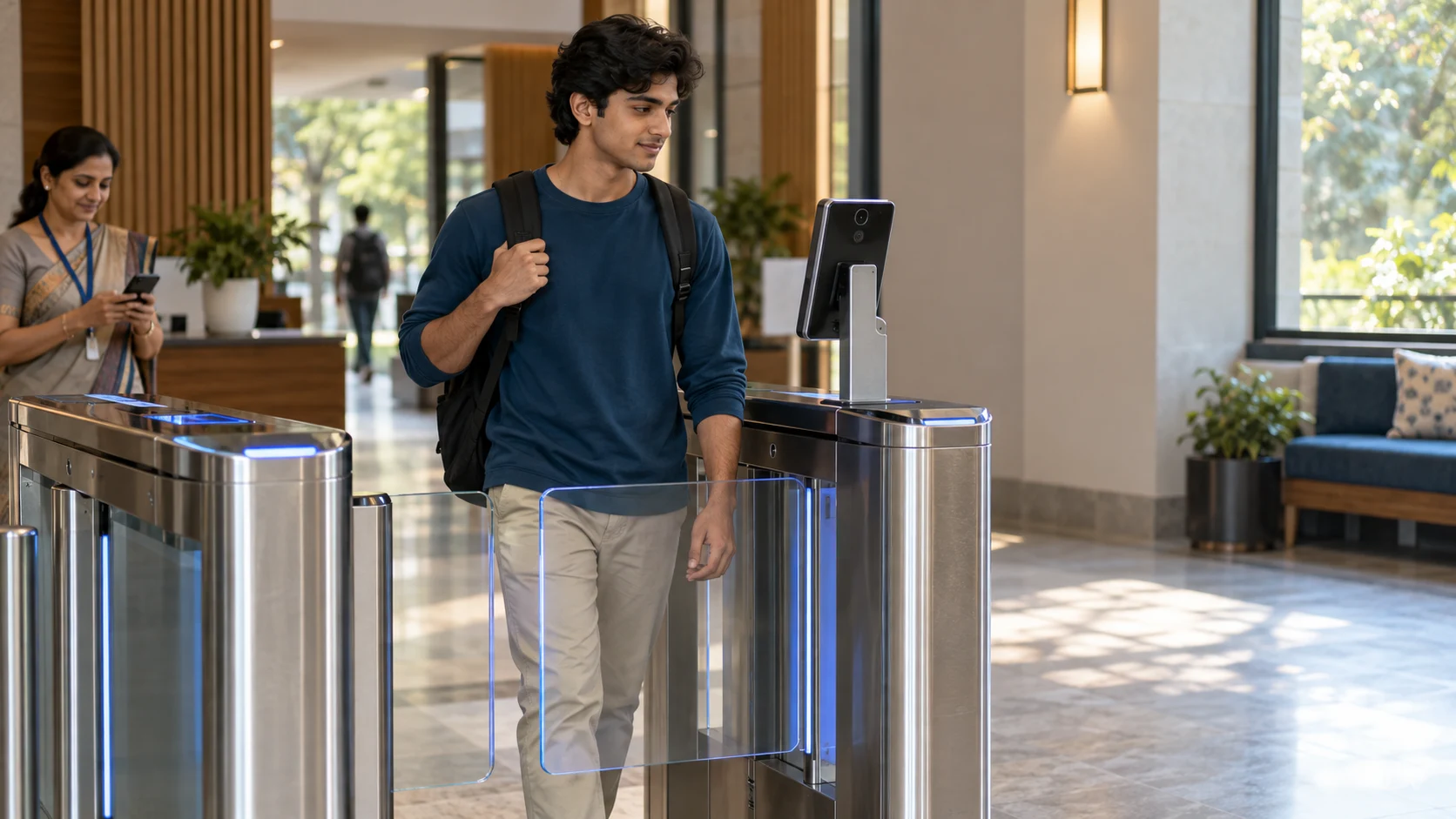
01 · Routine resident access
Recognise an eligible resident.
Use the resident’s identity and access eligibility under campus rules. A fresh leave request is not implied for every routine crossing.
Main campus gate · its own entry/exit record

Connect student identity, permissions and gate records. Give security a clear next step under your university’s rules.
At the gate. A clear next step.
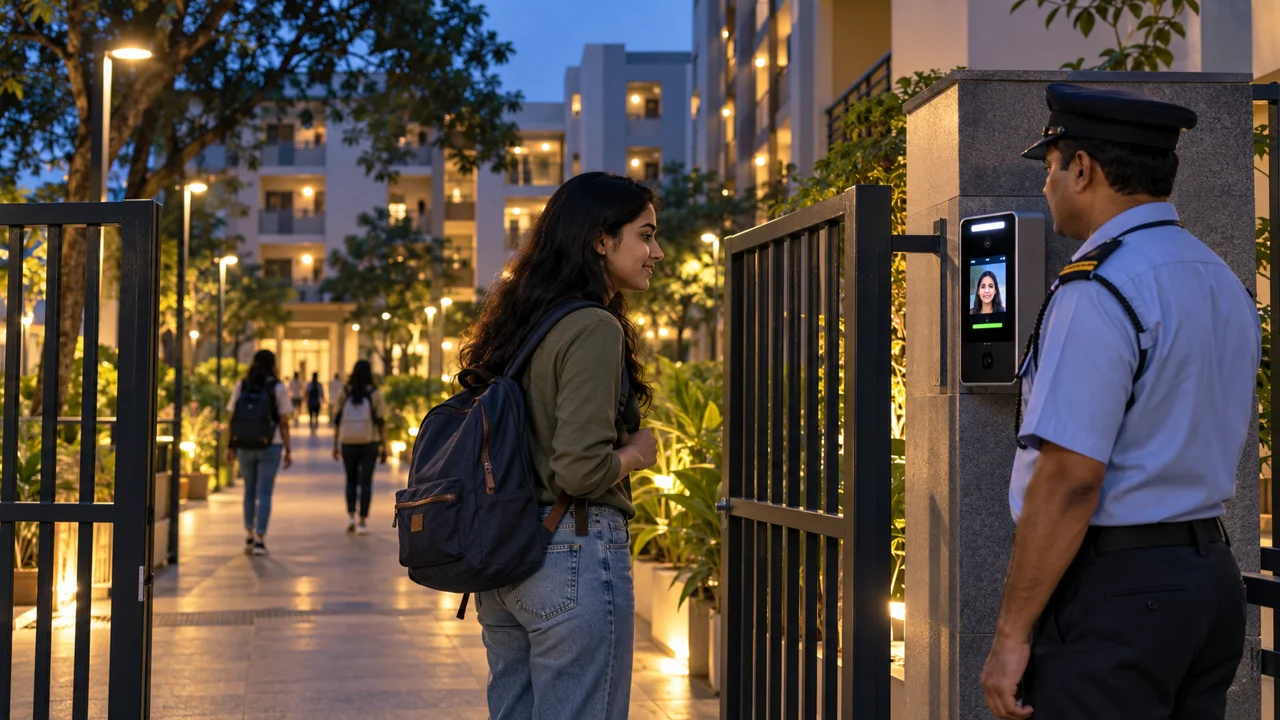
Students use a supported face-recognition or QR process. Security oversees access and handles requests that need review.
Different locations. Defined responsibilities.
Use the resident’s identity and access eligibility under campus rules. A fresh leave request is not implied for every routine crossing.
Main campus gate · its own entry/exit record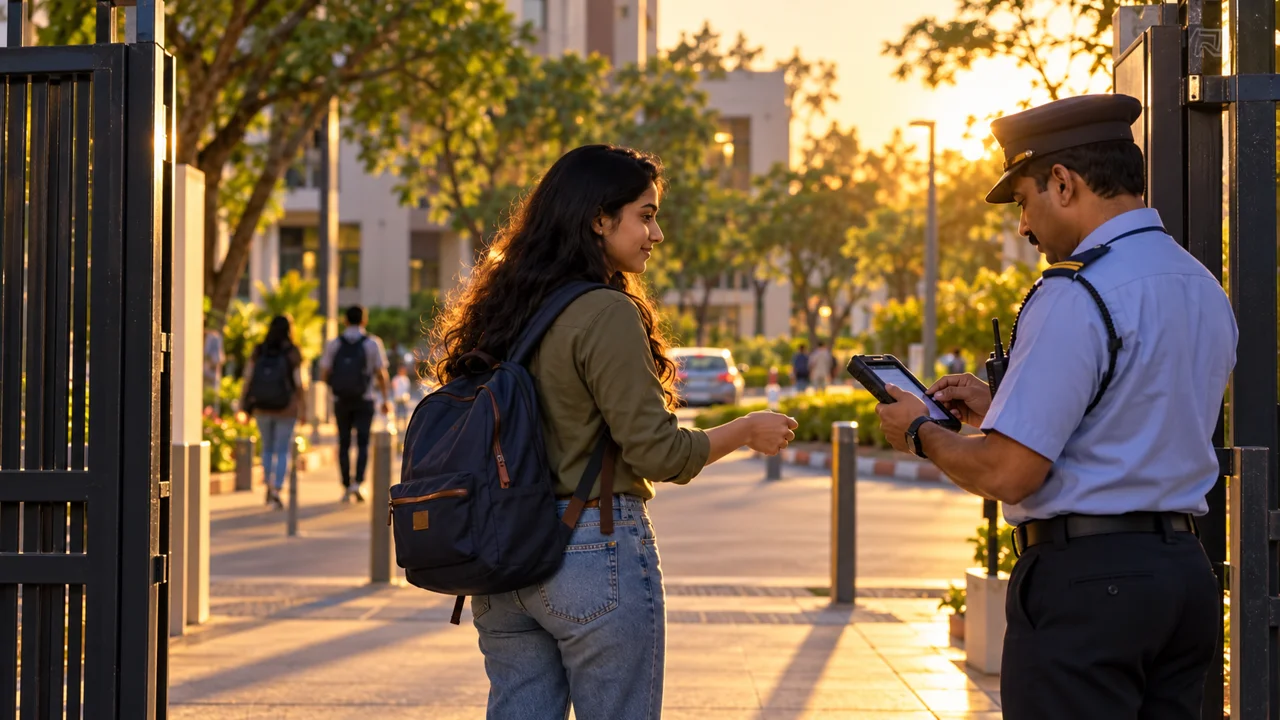
Leave, day-out and late-entry requests follow your approval and timing rules. Hostel access and reporting remain separate from campus entry.
Hostel gate · its own access/reporting processTwo locations, separate events: sample campus return 7:35 PM → hostel reporting 7:42 PM. Your university defines which events are recorded.
When a permission needs review
Example: an exit request is presented after its permission window ends. Security checks with the responsible university team before proceeding under campus policy.
At 8:10 PM, the guard sees that the day-out window has ended. No exit is recorded at this stage.
The request returns to the authorised approver. In this example, the university approves a revised window until 9 PM.
Security checks the revised approval. The student then departs and an exit event is recorded at 8:20 PM.
Illustrative approved outcome—not an automatic extension. Without the required approval, security follows the university’s exception procedure.
In the university’s view
Illustrative Saturday · 6 AM–9 PM. Events count crossings, not unique students or current occupancy. Review requests are separate.
| Student / hostel | Location | Direction | Time | Permission / context | Record |
|---|---|---|---|---|---|
| Ananya S. · A-201 | Main gate | Exit | 5:00 PM | Approved day-out | Exit recorded |
| Ananya S. · A-201 | Main gate | Entry | 7:35 PM | Day-out return | Entry recorded |
| Ananya S. · A-201 | Hostel A | Entry | 7:42 PM | Hostel reporting | Entry recorded |
| Rohan M. · B-104 | Main gate | Exit | 8:20 PM | Revised window approved | Exit recorded |
Connect the gate setup you use
Identity and permission checks through the supported QR process.
Supported face devices connect identity and movement events.
Compatible biometric interfaces support your access setup.
Supported gate interfaces connect physical access with the configured process.
Your IT team and FretBox review device models, interfaces and connectivity, then agree gate locations, permissions and exception responsibilities.

Explore the student experience, the connected teams and your university’s rules.