Resident
Access campus services and follow updates.


Connect the Resident, Admin, Cafeteria and Security applications around the services and rules your university defines.
One connected application family
Access campus services and follow updates.
Review requests and coordinate responsible teams.
Prepare orders and coordinate fulfilment.
Check permissions, visitor decisions and movement.
From a hostel room to the team delivering the service
A student browses the cafeteria menu and places a food order.
The cafeteria team receives the order, prepares it and coordinates campus delivery.
Campus delivery staff bring the order to the student within the university’s service rules.
Illustrative order · sample details. Ordering hours, availability and hostel-room delivery follow your university’s setup.
The services students return to every day
 Room choice · Payments · KYC
Choose a preferred room and roommate, pay hostel fees and upload KYC documents.
 Meals · Cafeteria · Amenities
Check menus, mark mess presence, opt out of meals, order cafeteria food and book campus facilities.
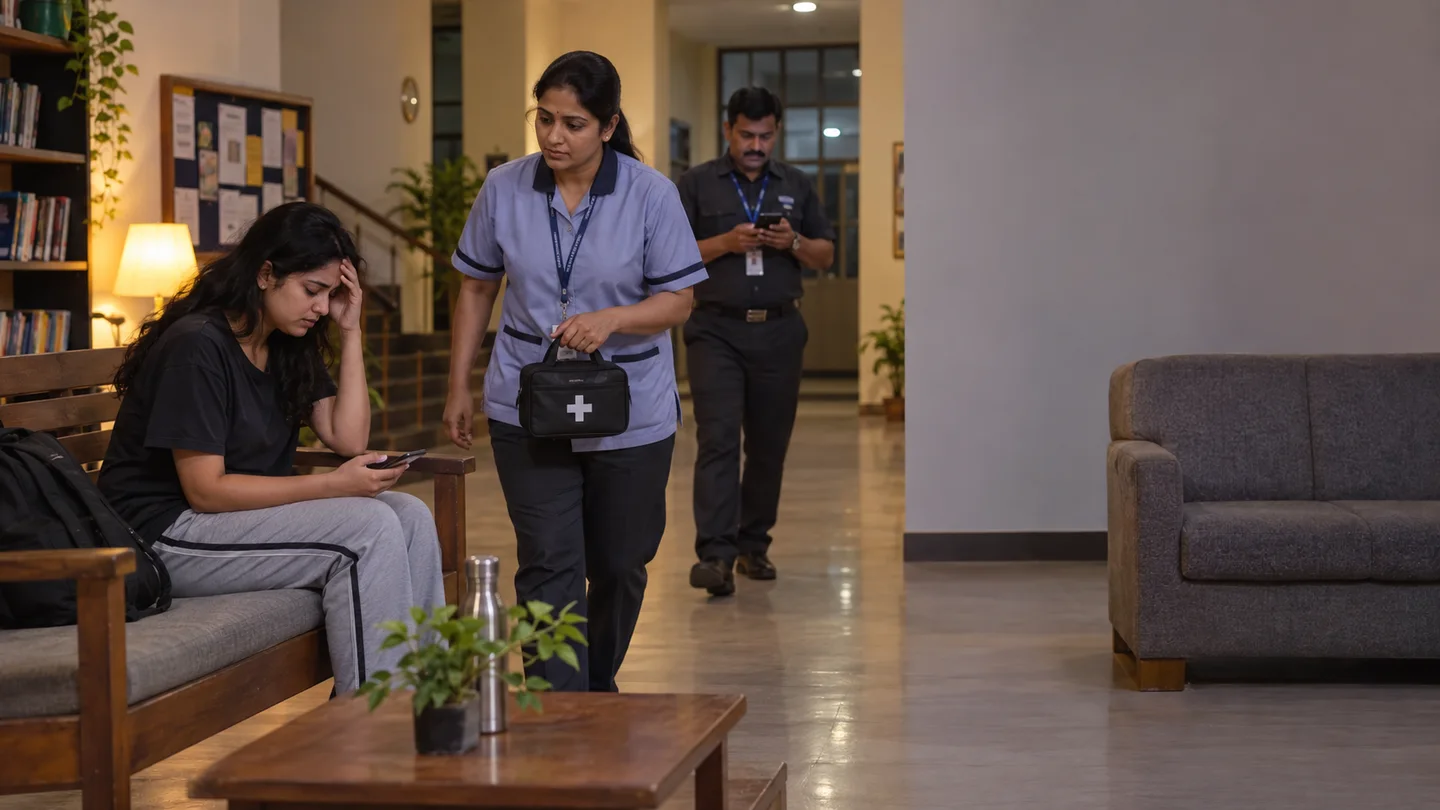 Permissions · Service requests · Help
Request leave, day-out or late-night permission. Raise complaints, grievances or emergency alerts and follow updates.
More ways to participate: gym subscriptions, doctor appointments, cricket grounds, table tennis, lounges and guest-house bookings; notices, feedback, suggestions and visitor invitations.
Mess choice, booking and payment are available where the university offers multiple vendors. Services follow your campus setup.
Each application has a clear responsibility
Security records the visitor and whom they want to meet → the student or staff host approves or denies in the app → security follows the decision.
Illustrative application views · sample records. Staff access follows university-defined responsibilities.
Your institution shapes the experience
Decide which bookings, facilities, meal services and support options students can access.
Define eligibility, timing and approvers. Include parent consent through WhatsApp where your university requires it.
Give wardens, finance, maintenance, cafeteria and security the access relevant to their work.

Walk through your services, approval routes and staff responsibilities with the FretBox team.
Download the Resident App for your institution. Evaluating FretBox for your university? Book an administrator walkthrough.